The Cost of Disconnected Contractor Software
Eliminate disconnected contractor software. Discover how connected business systems and smart automation for contractors protect your margins.
Published on Oct 15, 2026

Why a Shared Source of Truth Protects Margins
Disconnected contractor software causes hidden costs through duplicate effort, overlooked information, and delayed responses.
Automation works according to the rules you set up, but AI creates or predicts based on the data; most contractors will require automation at first.
Integrating business software and processes will minimize hand-offs, improve reporting, and protect margins.
Automation software for contractors exists now and can automate scheduling, communication, billing, and payments.
When office staff, estimators, and field teams work in different tools, the real expense isn't the software subscription. It is the time lost to double entry, the errors that slip through, and the profit that disappears before anyone notices.
That is why disconnected contractor software can be one of the most expensive problems in a residential business. If you are trying to run a more efficient business, the answer is usually not more apps, but better connected business systems and practical workflow automation.
The good news is you don't need a complicated AI strategy to fix most day-to-day workflow problems. You need clean hand-offs, fewer manual steps, and better visibility into every job.
What Disconnected Contractor Software Really Costs Your Business

Fragmentation makes things that are simple become complex. Leads come in one program, estimates are created in a separate program, scheduling happens in another, and billing becomes a different program altogether.
That chain of manual work creates labor waste. It also increases the chance that an appointment time, price, material list, or customer note gets entered incorrectly, which is a costly problem in residential contracting.
How double data entry eats into labor hours
Double data entry is not only irritating but also a quiet killer of profit margins. Every time an office clerk needs to type in client details, task description, or task status into multiple databases, she wastes her work time without any purpose.
Even a few minutes per job adds up fast across a week or month. The U.S. Small Business Administration notes that financial management and recordkeeping are core parts of staying efficient and financially healthy, which is hard to do when data lives in separate places and must be re-created by hand to manage your finances and bookkeeping.
The hidden cost of missed details between office and field teams
When communication of information fails to occur between the office and the field, it results in errors that could have easily been avoided. Failing to communicate a gate code, an incorrect inventory count, or outdated customer preferences causes wasted trips and embarrassment.
These errors also create stress. The office may think a job is ready, while the field crew is waiting on missing information, and the customer is left wondering what is going on.
Why fragmented tools slow down estimators and scheduling
Estimators become inefficient when they must sort through their emails, spreadsheets, and texts in order to find the history on any job. Scheduling becomes less efficient when availability, manpower, and job status cannot be seen all at once.
This is precisely where fragmented contractor software proves costly. It is not an efficiency problem alone. It is a decision problem, since management cannot schedule work they cannot see clearly.
Why Connected Business Systems Matter for Residential Contractors

Connected business systems let data move once and stay accurate. Instead of updating several tools manually, one change can flow through the workflow and keep everyone aligned.
This is the practical foundation of smarter operations. NIST describes system integration as a way to centralize data, improve visibility, and deliver information to the people who need it, when they need it system integration and centralized data.
What connected business systems look like in a contractor workflow
In a connected system, a lead becomes a job, and the job creates a schedule entry, which may automatically generate reminders, updates, and billing. All of you will be looking at the same entry rather than making your own version of the story.
It is important for contractors because home installations change very rapidly. If the client changes his gate access code or approves some changes to the scope of work, everyone on the team needs to be aware of that immediately.
How software integrations reduce manual hand-offs
Software integrations decrease the hand-offs that cost precious office time. For instance, scheduling can integrate into customer communication, and customer communication can then integrate into invoicing.
NIST also notes that automation and integration can improve efficiency and reduce variation in processes automation and efficiency benefits. For contractors, that means fewer manual corrections and fewer opportunities for things to fall through the cracks.
The role of one shared source of truth for jobs, customers, and payments
One single source of truth is the one true record that all people use to know the information about a particular job, customer and payment details. This will ensure that office employees do not work on one version of the schedule while field staff work on another version.
This will enhance accountability. When a customer contacts the company with a query regarding his bill and visit, he should not get a different answer based on which person worked with his file last.
Automation vs. AI: What Contractors Need to Know
People often use automation and AI as if they mean the same thing, but they solve different problems. Contractors do not need to confuse the two to benefit from either one.
Automation follows predetermined rules. AI analyzes, predicts, or generates content from data, which can be useful in some situations but is not required for many everyday workflows.
How smart automation for contractors follows predetermined rules
Smart automation for contractors is simple: if something is done, do something else. For example, if there’s an appointment, send an e-mail. If a job is completed, make a follow-up task.
That is why automation is so practical. It works consistently, does not require constant judgment, and can be set up to support the exact way your team already operates.
Where AI adds value by generating, predicting, or drafting content
AI is more useful when a task involves pattern recognition or content creation. It can draft a customer email from notes, summarize a conversation, or help analyze trends in historical data.
The SBA explains that AI can help small businesses save time, improve decisions, and create business content, but it also recommends review and caution around security, accuracy, and customer trust when using AI for small businesses. That matters because AI can assist, but it should not be treated as a replacement for judgment.
Why automation is usually the faster, safer first step
Automation is the quicker and safer approach for most residential construction firms. It is simpler to define, simpler to test, and simpler for the team to trust.
AI can be helpful later, but contractors usually get more immediate value from workflow consistency. If the goal is to save time and reduce errors, disconnected contractor software should be fixed with automation and integrations before it becomes an AI project.
Practical Smart Automation for Contractors You Can Use Today
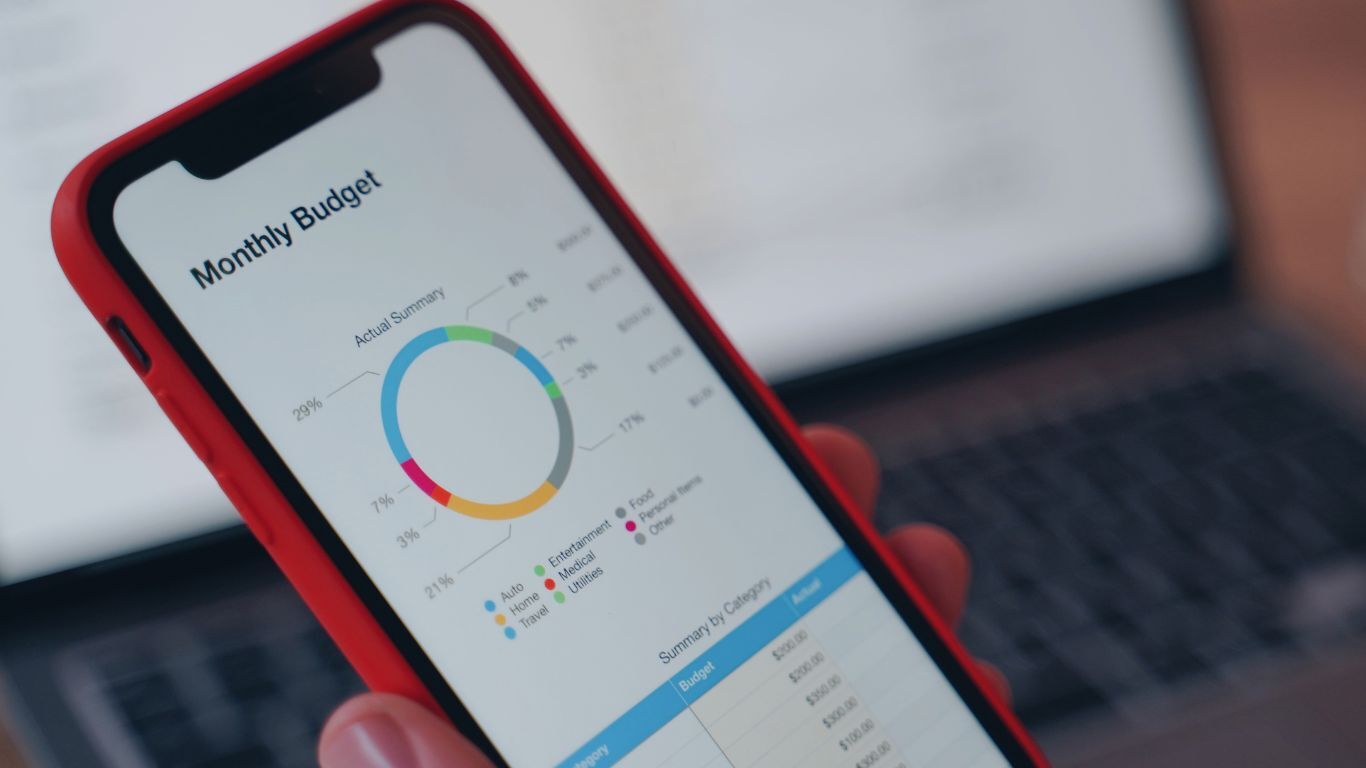
There are plenty of workflow problems that smart automation for contractors can solve right now. The key is to start with repetitive, rule-based tasks that happen every day.
That is where the return shows up quickly. Once your team stops repeating routine admin work, they can spend more time on estimating, customer service, and closing jobs.
Automating appointment confirmations and follow-ups
One of the easiest wins to implement is that of appointment reminders. Once an appointment is booked, the system will automatically send an email to confirm, remind and then follow up after the visit.
This reduces no-shows and keeps customers informed. It also saves office staff from spending their day sending the same update over and over.
Speeding up estimate routing and internal task assignments
Once the lead becomes an estimate request, the system automatically assigns that lead to the relevant estimator, which depends on the geographical location of the estimator, the type of work, or the workload of the estimator.
It also helps managers stay organized. A simple rule-based hand-off is often enough to eliminate delays that start with fragmented tools and end with lost revenue.
Triggering payment reminders, invoices, and customer updates
Payment workflows are another strong fit for automation. Once a job reaches a certain stage, the system can send an invoice, remind the customer about payment, or update the job status internally.
That kind of consistency protects cash flow. It also reduces awkward follow-up calls, which means a better customer experience and less office friction.
How Better Reporting and Communication Protect Profit Margins
Residential contractors never lose their profit margins in some grandiose moment. They do it little by little, through missed follow-ups, lack of visibility, missing change orders, and lack of job information.
Better reporting and customer communication help close those gaps. When systems are connected, you can spot trends sooner and act before problems get expensive.
Using connected reports to spot bottlenecks and cash flow issues
Connected reports show where jobs are stalling and where cash is stuck. That gives owners and office managers a clearer picture of scheduling delays, underpriced work, or collections problems.
The SBA emphasizes that bookkeeping and cost-benefit thinking are essential to making sound business decisions business finances and cost-benefit analysis. For contractors, connected reporting makes that analysis much easier to do in real time.
Improving customer communication without adding office workload
Good communication is not necessarily associated with additional manual effort. It can be automated through status reports, reminders and payment notifications, which would keep the customer informed without any additional effort from the office workers.
That is especially useful when teams are busy. Good communication makes the business look more organized, even when the day is hectic.
Reducing errors that lead to rework, delays, and lost revenue
Every rework trip costs time, fuel, labor, and sometimes reputation. Many of those issues start when disconnected contractor software lets details drift between systems.
Reducing those errors is one of the fastest ways to protect margin. If the workflow is connected, the team spends less time fixing preventable problems and more time completing profitable work.
Where AI Fits in the Future of Contractor Operations

The use of AI is expected to increase in the future with regard to contractor operations. It could potentially be used by teams to classify leads, create summaries, foresee delays, and communicate more quickly.
However, AI is more efficient when there is a well-structured foundation of data. The systems would need to be linked to provide enough learning material for AI.
Emerging AI use cases for estimating, communication, and reporting
AI technologies may eventually find application in the field of estimation, messaging, and reporting, in terms of pattern recognition or finding certain trends in past events. According to NIST, the term AI is about processing information and fast decision-making based on data, whereas connected systems serve as sources of centralized information that is required for AI- and data-driven decision-making. That makes data quality the real foundation, not the buzzword.
Why human review still matters for customer-facing and financial decisions
Even if the AI software creates a draft or proposes an action step, a human still has to review it. This is due to the expectations of customers that require accuracy, empathy, and accountability in case of any financial implications.
That is particularly true for contractors. A wrong message or bad recommendation can affect trust quickly, so human oversight remains essential.
How to prepare your workflow now with integrations before adopting AI
The smartest move is to fix the workflow first. Get your data connected, simplify hand-offs, and build reliable automation before you add more advanced tools.
That approach makes future AI adoption easier. It also gives your team immediate benefits from software integrations and connected workflows, which is the practical way to reduce the cost of disconnected contractor software today.
Frequently Asked Questions
What does disconnected contractor software cost a residential contractor?
Generally, it can cost significantly more than what the software would cost per month. These include double data entry, delays, lost information, rework, and late payments.
What is the difference between automation and AI for contractors?
Automation acts according to a pre-defined set of instructions, such as sending an alert when a task has been scheduled. On the other hand, AI creates, predicts or analyses something using information, such as writing a client's email using your notes.
Do contractors need AI to improve office workflow?
Usually, no. Most contractors get faster results from connected business systems and smart automation for contractors because those tools solve repetitive problems without adding complexity.
What are the best software integrations for contractor operations?
Integrations that provide links between lead capture, scheduling, communication with clients, invoicing, and payments are the most useful. Such integrations help eliminate any hand-offs and increase transparency throughout the entire process.
How do connected business systems improve profit margins?
By eliminating mistakes, saving time, facilitating quicker collection of payments, and assisting management in identifying bottlenecks. This will result in less time wasted on redoing work and more efficiency when dealing with finances.
Recent Articles

October 20, 2026
How to Build Trust Before the First Sales Appointment

October 13, 2026
How to Use Reporting to Spot Problems Before They Cost You

October 6, 2026