How to Reduce No-Shows and Last-Minute Schedule Changes
Use customer feedback technology to guide software decisions for contractors. Learn how the customer payment experience impacts your choices.
Published on Oct 1, 2026

The Impact of Timely Appointment Notifications
Automated reminders help reduce contractor no-shows by keeping customers aware even before the truck is dispatched from the garage.
Notifications for confirmations, changes, and calendar updates become helpful in reducing schedule conflicts without involving any additional paperwork from the office.
Improved communication ensures that your revenue will not be compromised by quickly filling in any gaps due to changes or cancellations of appointments.
Even smaller staff members can maintain a personal approach with proper customer appointment reminders.
When customers forget, misunderstand the arrival window, or assume a job was rescheduled, the whole day can fall apart. For contractors, the fastest way to reduce contractor no-shows is usually not more phone calls, but better communication that starts early and stays consistent.
That is especially true for small teams trying to do more with less. If you want to reduce scheduling conflicts and keep the calendar moving, automated calendar notifications can handle the repetitive follow-up while your office staff focuses on higher-value work.
This is important because communicating effectively is part of the customer experience and not only a scheduling function. As pointed out by the SBA, effective operations and customer experiences impact loyalty and repeat patronage, and the FTC reminds businesses to keep outreach clear, accurate, and trustworthy.
How to Reduce Contractor No Shows Without Adding More Office Work
Missed appointments usually occur not due to just one factor. Sometimes the homeowners forget, sometimes the appointment timeframe is vague, and sometimes the office staff could never get a good confirmation for the appointment.
That is why the best strategy to reduce contractor no-shows is to make communication automatic. A system that sends confirmations, reminders, and updates gives customers confidence and saves your team from chasing every job manually.
Why missed appointments happen in field service businesses
In the field, the pace is quick. The work takes longer than expected, the technician is delayed due to traffic, or the customer has another meaning for “next Tuesday.”
Most contractor missed appointments are not malicious. They come from simple gaps in communication, and those gaps get bigger when the office is busy or the week changes suddenly.
How proactive communication improves the customer experience
Proactive communication will ensure that customers are prepared as opposed to being surprised. A pre-confirmation, followed by a reminder on the same day, and notification for any changes is one way to do it.
That’s one of the easiest ways to improve customer experience without adding more calls to the office. When people know what to expect, they’re far more likely to be ready when the truck arrives.
The hidden cost of empty schedule gaps and reschedules
A gap in the schedule is not just the obvious lost visit but also means additional travel time, decreased productivity, and less opportunity to make the daily revenue goal.
When there is a need to compensate for a same-day canceled visit, there will be inefficiency in labor and stress for the dispatcher and possibly an additional loss of an upsell at some point during the week.
Why Customer Appointment Reminders Matter Before the Truck Leaves
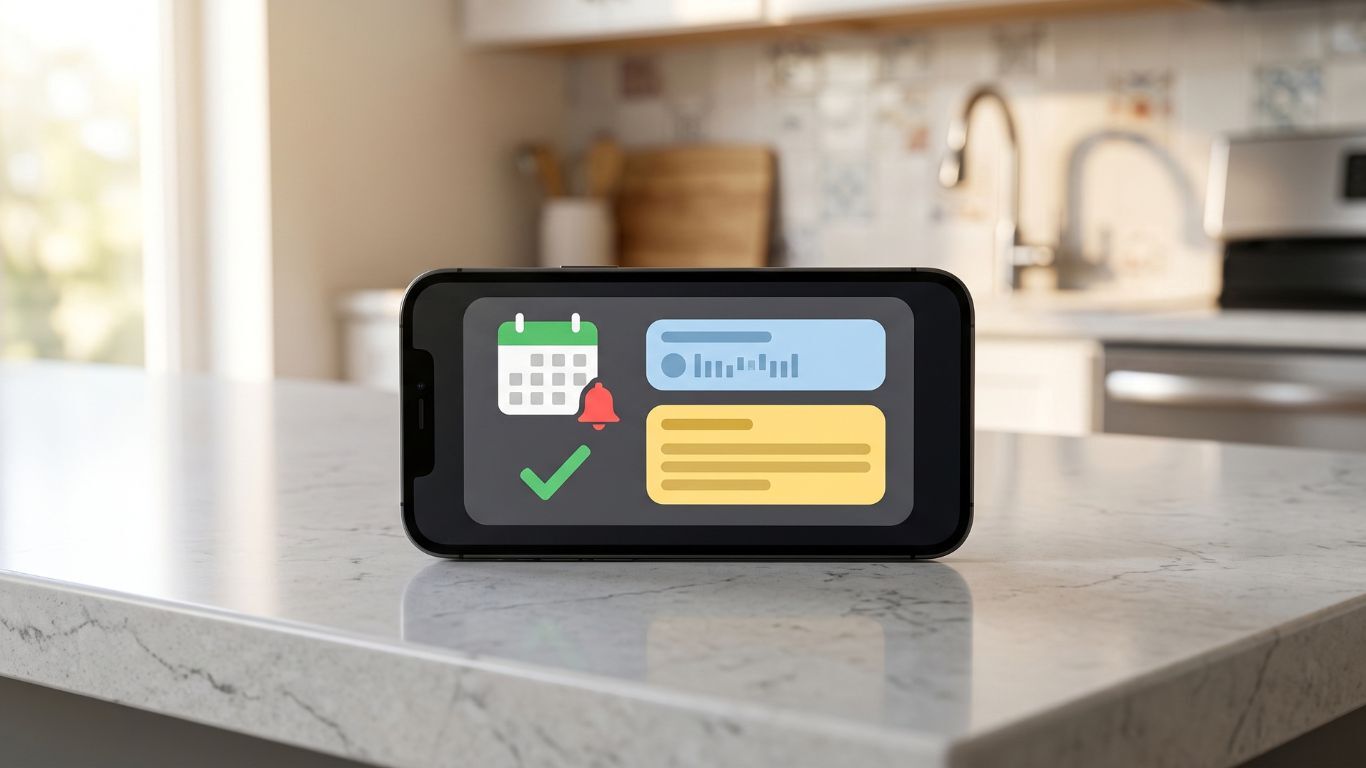
Good reminders are not about nagging customers. They are about making the booking feel real, simple, and easy to honor, which helps reduce contractor no-shows before the workday begins.
With a timely reminder, the client can still respond, reschedule or give you an opportunity to gain access to the property before the crew hits the road.
Sending reminders at the right time to prevent no-shows
The appropriate time for the reminders would depend on the kind of job, but there will always be three: a reminder after scheduling, a reminder before the visit, and finally, the service day.
For most contractor firms, the customer appointment reminder works best when it feels timely and relevant. Just sending a text or email detailing what to expect, who is coming to perform the work, and how to respond may suffice.
What customers need to know before service day
The customer shouldn't have to wonder. The reminders should contain the date of the appointment, time of arrival, location of service, and any preparation such as moving the car or opening the gate.
That small detail improves both clarity and punctuality. It also gives your team fewer reasons to follow up, which helps keep communication consistent across the whole job cycle.
Using notifications to reduce contractor missed appointments
Notifications do more than remind customers. They also create a paper trail of confirmations, changes, and responses, which is helpful when the schedule gets messy.
When reminders make it easy to confirm or decline, you can spot problems earlier and replace open time before it becomes dead time. That is a simple, practical way to reduce contractor missed appointments without adding more manual admin work.
Automated Calendar Notifications That Keep Everyone on the Same Page
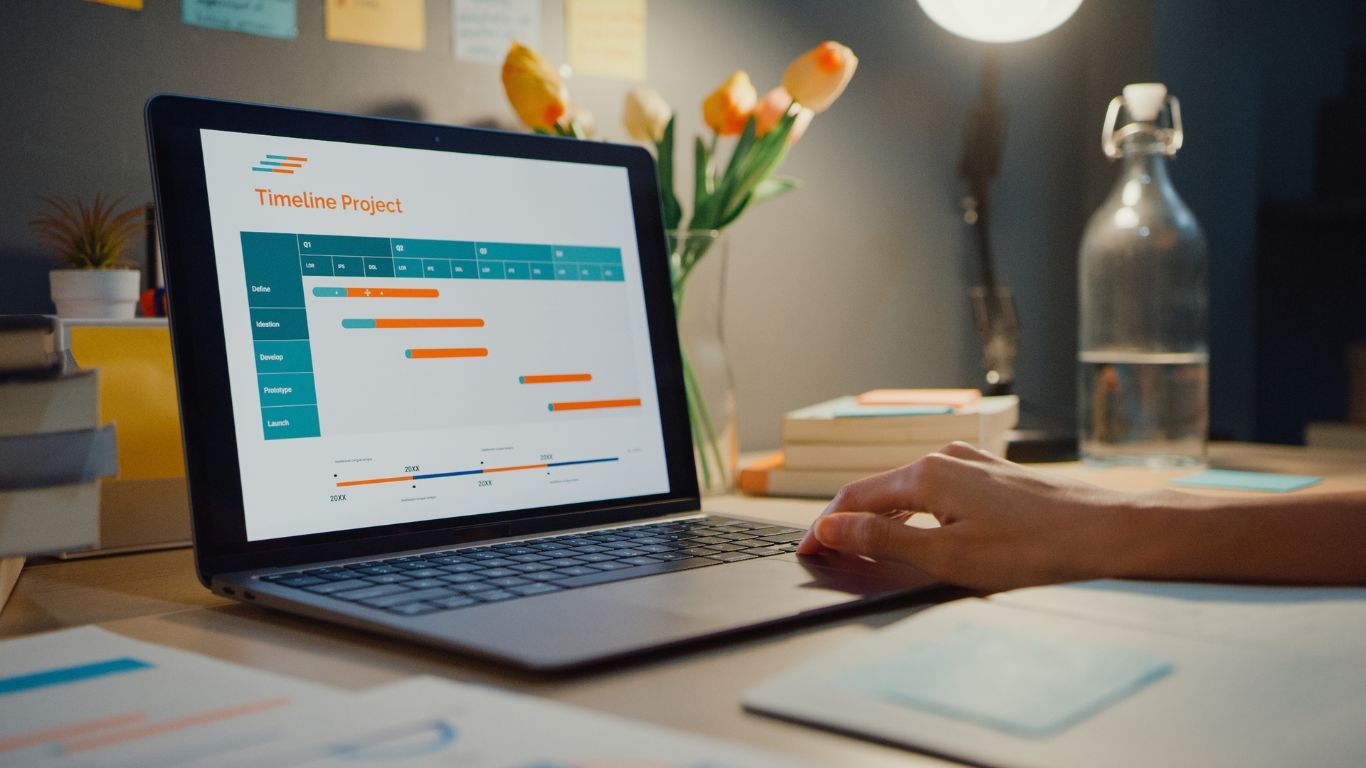
The calendar reminders make scheduling easy. All you have to do is remember everything in one spot – there’s no need to memorize or jot things down.
That kind of visibility helps teams reduce scheduling conflicts and makes it much easier to communicate consistently with customers, dispatchers, and field staff.
Appointment confirmations that reduce scheduling confusion
A confirmation email should be more than a simple reminder of “you’re booked.” A confirmation should serve as a means of reinforcing the appointment information to let customers know the appointment has been made.
This is particularly useful for customers who schedule an appointment over the phone and subsequently forget the appointment details. An effective confirmation can help avoid scheduling confusion before a no-show situation arises.
Change alerts when time windows shift or jobs run long
Each contractor understands that things do not always go as planned. Jobs take longer than expected, weather delays the crew, or a previous customer requires more time.
Change allows the office a simple way of informing the next customer before they begin questioning the whereabouts of the truck.
Calendar updates that help dispatchers reduce scheduling conflicts
The dispatcher plays a crucial role when there is an update in the schedule. With automated calendar updates, they will be able to notice open spaces, conflicts, and travel conflicts.
That makes it easier to reduce scheduling conflicts and keep the day balanced. It also helps the office avoid double-booking or accidentally leaving a technician idle between jobs.
How Better Scheduling Communication Builds Trust With Customers

Customers remember how a business made them feel. If the communication is clear, polite, and proactive, they are more likely to stay loyal even when something changes.
That is why the best systems to reduce contractor no-shows also strengthen the relationship. They make the business feel organized, respectful, and easy to work with.
Simple language that makes reminders feel personal
People tend to react positively towards human-sounding messages. Your reminder message should be brief, to-the-point, and friendly; it should not use technical or machine-like language.
An example of an ideal reminder would be, "We look forward to meeting you tomorrow from 10 AM to 12 PM". These little nuances work wonders when used in your customer appointment reminders.
Setting expectations for arrival windows and service updates
If expectations are unclear, then frustration will set in quickly. When the client understands the arrival window, what needs to be done by the technician, and how updates will be communicated, it helps to avoid freaking out once the day turns.
This is beneficial to everyone because it saves on back-and-forth phone calls, which also makes the client feel involved rather than clueless.
Why fast updates improve loyalty and reviews
Quick updates are one of the easiest ways to build trust. Whenever a contractor is able to provide quick notification about any delay, rescheduling, or change in estimated time of arrival, the customer remembers the honesty more than the problem itself.
The FTC’s business guidance requires honest and accurate communication, which is precisely what we have here. Accurate communication becomes the cause for leaving good reviews rather than complaints.
Ways Contractors Can Protect Revenue From Last-Minute Changes
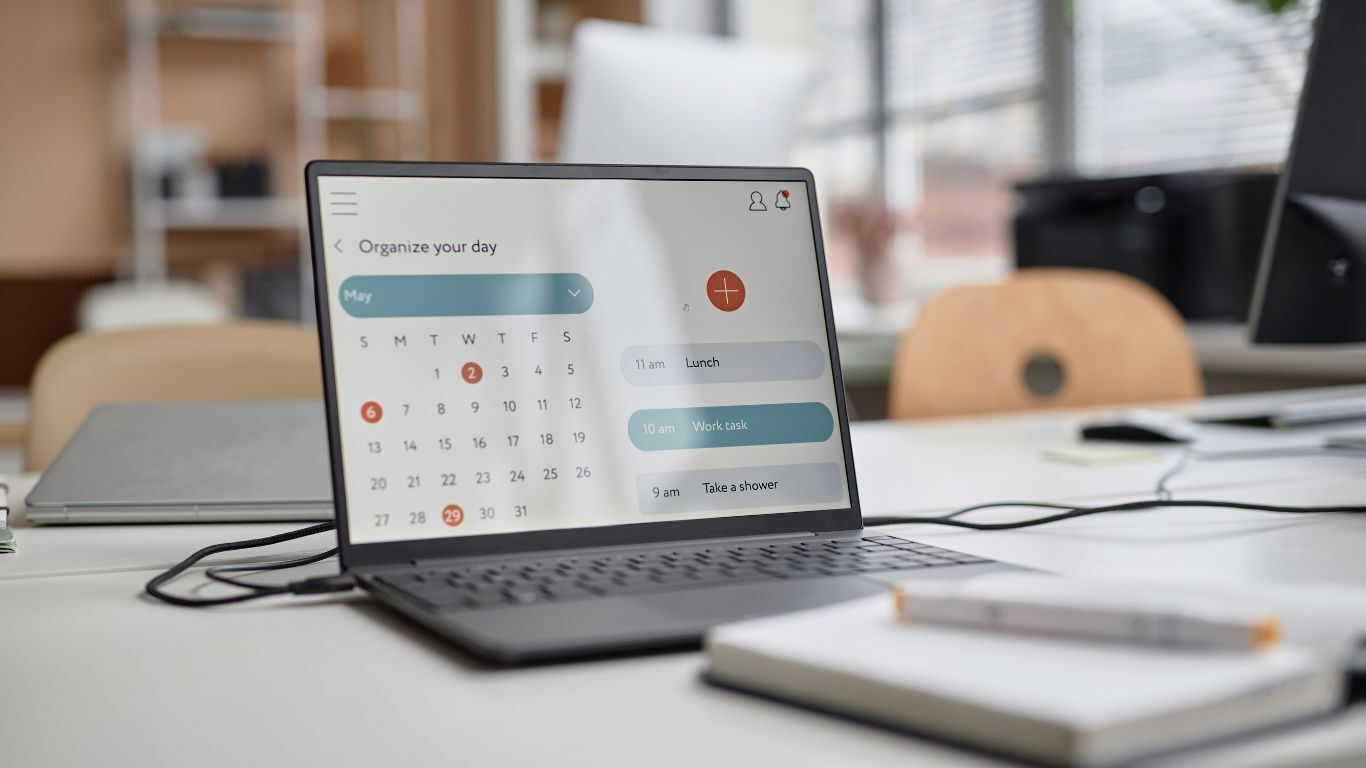
Last-minute changes are not just an inconvenience. They can shrink the day’s revenue, throw off labor planning, and leave a whole route feeling less productive than it should.
If you want to reduce contractor no-shows and protect the schedule, you need a system that helps the business recover quickly when plans change.
Filling gaps faster when a customer cancels
In such a case, time is crucial. The more quickly a hole is identified, the more quickly it can be filled by a standby lead, rescheduled clients or smaller work that will fit on the route.
This is where automation pays off. Instead of waiting until the end of the day to notice the hole, your team can react while there is still time to recover the revenue.
Keeping the calendar full with automated follow-ups
With automated follow-ups, the missed appointment could become a future booking. Just a simple “missed you” note or rescheduling option will keep the dialogue open without the need for remembering all those touchpoints.
This is especially important for smaller companies, as it will ensure a more stable flow of rebookings and prevent the calendar from going empty.
Reducing lost revenue from preventable appointment gaps
Preventable gaps are often the most expensive ones because they are avoidable. The business already paid to generate the lead, set the estimate, and reserve the time slot.
Using automation to manage the project pipeline helps make sure those opportunities do not slip away. In other words, fewer empty windows mean better revenue consistency and less scrambling for the team.
A Smarter Way to Reduce Contractor No-Shows With Calendar Notifications
The goal is not to automate everything. The goal is to remove the repetitive work that steals time from people who could be solving real problems for customers and supporting the field team.
That is the smartest way to reduce contractor no-shows: use automation for reminders and updates, then reserve human attention for the moments that truly need it.
How can small teams automate without losing the human touch?
Automation can be effective when it enhances communication. A gentle nudge, an alert on change, and a follow-up after a missed meeting can be made very personal if the message is crafted properly.
The key is to make the process feel thoughtful, not mechanical. That means using plain language, consistent timing, and a voice that sounds like your company.
What to look for in a calendar and notification system?
There is a need to find a system that can provide confirmation, reminder and change notifications automatically through the same calendar. This is something that must be easily editable by the office, easily understood by the clients and reliable during changes.
According to the SBA, small businesses benefit when they use tools that improve efficiency and help the team do more with less. A good calendar and notification setup should save time, not create another tool to babysit.
The long-term payoff for customers, staff, and the business
Improved scheduling means that people experience the advantages. Customers get what they should expect, office employees have no need to chase any confirmation, and field employees come to well-organized days.
In the long term, all of these positive points accumulate and bring the company such advantages as fewer mistakes, fewer conflicts, happier clients, and more income saved from possible losses.
Frequently Asked Questions
How can contractors reduce missed appointments?
Contractors can ensure that missed appointments will not happen again by sending confirmations upon booking and sending follow-up reminder texts and emails, as well as calendar alerts in case there are changes that need to be communicated to their customers. Predictability in communication increases the likelihood that customers won’t forget about their appointment.
What is the best time to send customer appointment reminders?
The most effective reminder pattern consists of three steps: confirmation upon booking, a reminder a day before the appointment and another reminder on the morning of the appointment.
Can automated notifications really reduce contractor no-shows?
Yes. Automated notifications help customers remember the appointment, prepare for service day, and respond quickly if they need to reschedule. That makes it much easier to reduce contractor no-shows without adding more work for the office.
How do calendar alerts help reduce scheduling conflicts?
The calendar alerts ensure that the dispatcher and field staff are synchronized when it comes to time changes, tasks taking more time than expected, or the customer becoming unavailable. Timely notifications help identify and resolve conflicts at the office.
What should be included in a contractor appointment reminder?
A good reminder should include the service date, arrival window, address, the technician or team name if available, and any prep instructions. It should also make it easy for the customer to confirm or request a change.